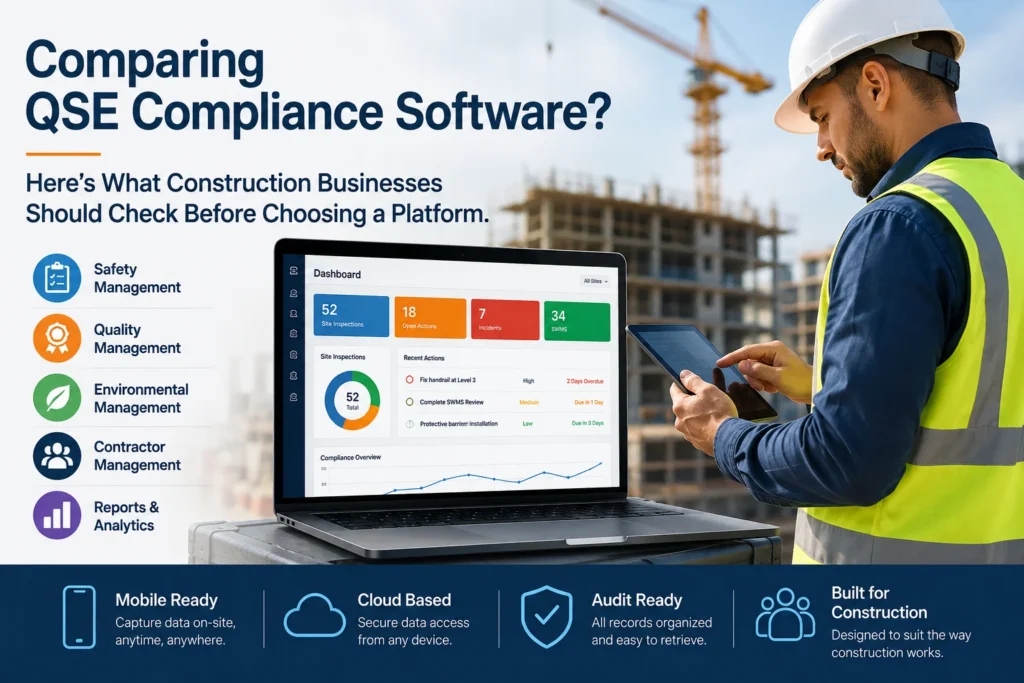
Choosing the right QSE compliance software for construction is not simply about finding a platform with digital forms. Construction businesses need a system that works across active sites, supports subcontractors, captures evidence in the field, manages corrective actions, and keeps records ready for audits.
With more construction companies moving away from spreadsheets, paper forms, and disconnected compliance tools, the real question is: which QSE platform fits the way your construction business actually operates?
This guide explains the key features and capabilities construction businesses should evaluate before choosing a quality, safety and environmental compliance software platform.
What Is QSE Compliance Software?
QSE compliance software brings Quality, Safety and Environmental (QSE) management into a connected digital platform.
Instead of managing inspections, SWMS, risk assessments, incidents, ITPs, toolbox talks and corrective actions across different spreadsheets and folders, teams can manage these processes from one system.
For construction companies, this can improve visibility across multiple projects while reducing manual administration and making compliance evidence easier to find.
Modern construction compliance platforms increasingly focus on mobile workflows, subcontractor management, digital inspections and audit-ready records.
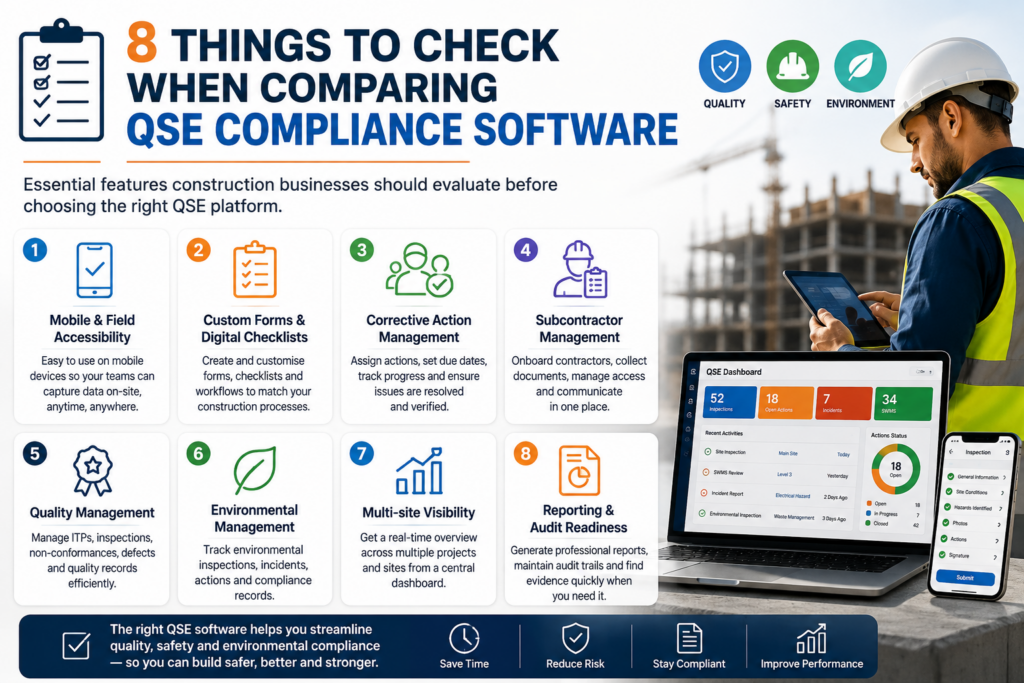
8 Things to Check When Comparing QSE Compliance Software
Not every construction compliance platform offers the same capabilities. Before choosing one, compare the following areas.
| Capability | What Construction Businesses Should Look For |
|---|---|
| Site inspections | Digital checklists, photos, signatures and evidence capture |
| SWMS & risk management | Easy creation, assignment, review and tracking |
| Corrective actions | Ownership, deadlines, reminders and closure tracking |
| Subcontractor management | Onboarding, access, compliance records and communication |
| Quality management | ITPs, non-conformances, defects and inspections |
| Environmental management | Environmental inspections, records and actions |
| Multi-site management | Central visibility across projects and locations |
| Reporting & audit readiness | Searchable records, dashboards and professional reports |
1. Mobile and Field-Based Compliance
Construction compliance happens on the job site, not just at a desk.
Therefore, your QSE software should make it easy for supervisors, safety managers and workers to complete forms, record observations, capture photographs and collect signatures from mobile devices.
Also check whether the platform performs well when connectivity is poor. Field teams should not have to postpone important compliance records because they have limited signal.
2. Custom Forms and Digital Checklists
Every construction company has its own processes. Consequently, a platform that only provides rigid templates can become restrictive.
Look for a custom QSE form builder that allows your team to create or modify:
- Site inspections
- Risk assessments
- SWMS
- Toolbox talks
- Incident reports
- ITPs
- Defect reports
- Environmental inspections
- Pre-start checks
- Corrective action forms
Custom forms also make it easier to standardise processes across different projects without forcing every site to follow an identical workflow.
3. Corrective Action Management
Capturing a problem is only the first step.
A good QSE compliance system should help you answer:
Who owns the issue? What action is required? When is it due? Has it been completed? Who verified the closure?
Look for features such as:
- Action assignment
- Due dates
- Reminders
- Status tracking
- Escalations
- Evidence attachments
- Audit trails
- Closure verification
This creates a clearer connection between identifying a compliance issue and actually resolving it.
4. Subcontractor Compliance
Subcontractors are a major part of construction operations. Therefore, subcontractor management should be an important part of your QSE software comparison.
The platform should ideally support:
- Contractor onboarding
- Pre-qualification
- Document collection
- External user access
- Compliance communication
- Site forms
- Corrective actions
- Performance reviews
Some construction compliance platforms now provide dedicated contractor workflows because managing external workers and documentation can otherwise create significant administrative overhead.
5. Quality Management, Not Just Safety
A common mistake is choosing software that focuses heavily on WHS while overlooking construction quality management.
Your QSE platform should help connect safety, quality and project delivery.
For example, check whether it supports:
- Inspection and Test Plans (ITPs)
- Quality inspections
- Non-conformance reports
- Defect management
- Site observations
- Evidence and photographs
- Corrective actions
- Quality reporting
When quality and safety information sit in separate systems, project teams can lose valuable context.
6. Environmental Compliance
The “E” in QSE should not become an afterthought.
Depending on your projects, you may need to manage environmental inspections, incidents, waste-related records, site controls and corrective actions.
Therefore, ask potential software providers:
Can the same platform manage quality, safety and environmental workflows without relying on separate spreadsheets or applications?
A unified approach can make compliance information easier to manage and report.
7. Multi-Project and Multi-Site Visibility
If your business manages several construction projects, check how easily you can move from individual site information to portfolio-level visibility.
A useful QSE platform should provide:
- Multiple project and site management
- Role-based access
- Central dashboards
- Project-level reporting
- Searchable compliance records
- User permissions
- Cross-project visibility
This matters because management often needs a quick answer to questions such as:
Which sites have outstanding corrective actions?
Which projects have recurring quality issues?
Where are compliance risks increasing?
8. Reporting and Audit Readiness
Don’t choose a platform simply because it can store documents.
Ask how quickly your team can find, verify and present compliance evidence.
A strong system should make it easier to produce professional reports containing relevant forms, photographs, signatures, findings and corrective actions.
This is especially valuable before audits, client reviews and project handovers.
SkySoft Compliance: QSE Software Built for Construction
SkySoft Compliance is designed specifically around construction QSE workflows, bringing safety, quality and environmental processes into one connected platform.
The platform supports construction teams with features including:
- Custom drag-and-drop form builder
- Site inspections
- Risk assessments
- SWMS management
- Incident reporting
- Toolbox talks
- ITPs
- Non-conformances
- Defect reports
- Corrective actions
- Contractor management
- Safety permits
- Daily site reports
- Asset and plant management
- QR code access
- Multi-project and multi-site management
- Branded PDF reports
- Audit-ready records
It also allows external users and subcontractors to access selected forms through QR codes or links, helping reduce friction when multiple organisations work on the same project.
Why This Matters for Construction Teams
SkySoft Compliance focuses on the complete workflow:
Create → Assign → Capture → Review → Correct → Report
For example, a site supervisor can complete a digital inspection, attach photographs and signatures, raise a corrective action, assign it to the responsible person and track it through to closure.
That creates a connected compliance record rather than another isolated spreadsheet entry.
QSE Software Comparison Checklist
Before signing a contract, ask vendors these questions:
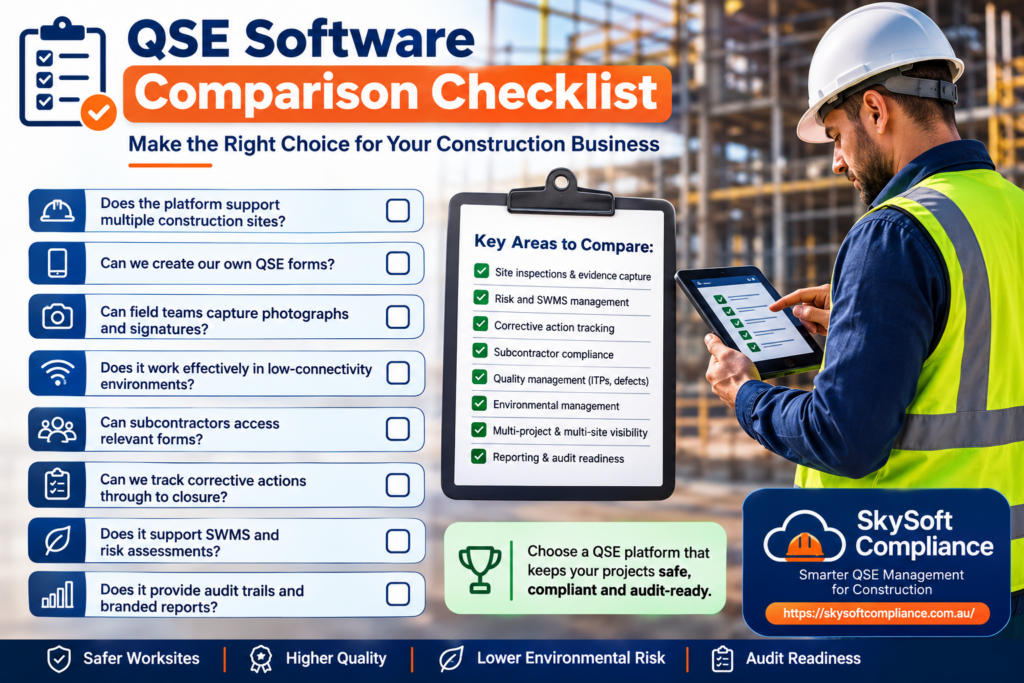
- Does the platform support multiple construction sites?
- Can we create our own QSE forms?
- Can field teams capture photographs and signatures?
- Does it work effectively in low-connectivity environments?
- Can subcontractors access relevant forms?
- Can we track corrective actions through to closure?
- Does it support SWMS and risk assessments?
- Can we manage ITPs, defects and non-conformances?
- Can we manage environmental workflows?
- Does it provide audit trails?
- Can we generate branded reports?
- Can management see compliance information across projects?
- Is user access controlled by roles and permissions?
- Can the platform adapt as our compliance processes change?
Don’t Choose QSE Software Based on Features Alone
The best QSE compliance software for construction is not necessarily the platform with the longest feature list.
Instead, focus on usability, field adoption, workflow flexibility, evidence management and visibility.
A platform can have dozens of features, but if site teams find it difficult to use, employees may return to paper forms, spreadsheets and emails.
Before making a decision, run a real-world test.
Choose one active project and see how the software handles a complete workflow from creating a form and capturing evidence to assigning corrective actions and generating the final report.
Read more : Spot the warning signs your site isn’t audit-ready and learn how digital QSE tools keep you always prepared.
Frequently Asked Questions
Look for mobile inspections, SWMS and risk management, corrective actions, subcontractor management, quality workflows, environmental records, multi-site visibility and audit-ready reporting.
Yes. WHS software primarily focuses on workplace health and safety, while QSE software combines quality, safety and environmental management within a broader compliance workflow.
Yes. SkySoft Compliance is designed to manage multiple projects and sites with role-based access, digital forms, contractor workflows, corrective actions and central visibility.
Final Thoughts
Choosing QSE compliance software is ultimately about finding a platform that fits your real construction workflow.
The right system should make compliance easier for site teams while giving managers better visibility, stronger evidence and faster access to information.
If you’re comparing QSE platforms, SkySoft Compliance is worth evaluating if you want to bring construction quality, safety and environmental processes into one connected digital system.
Don’t just digitise your paperwork. Build a QSE workflow your teams can actually use.